Back to Blog
6 min read

Sizing trades with the built-in position calculator

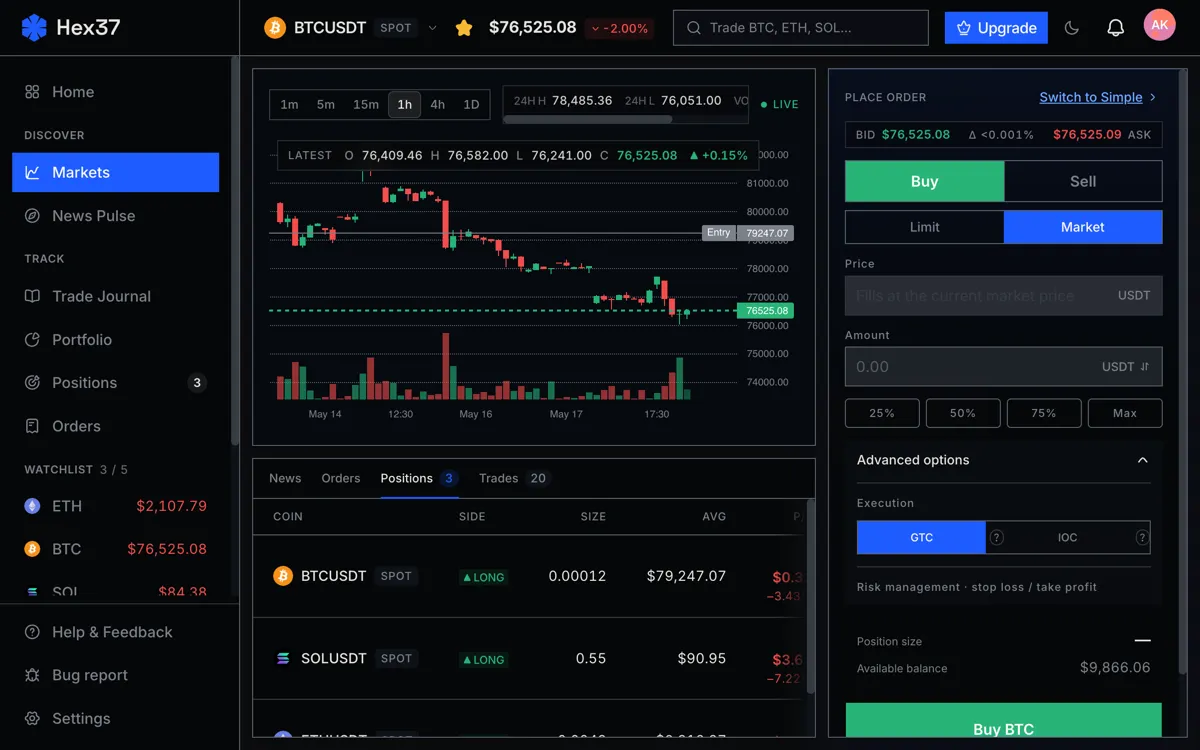
The position sizer is the small panel inside the order form that most new users skip past. They type a quantity and click. The sizer is the right way to do it. Here is what it does and how to use it.

What it computes

You give it three things:

  • Your account risk percent (default 1%).
  • Your entry price (or "use current mid").
  • Your stop price.

It gives you back:

  • The position size in contracts or units.
  • The required margin and the implied leverage.
  • The exact dollar amount at risk if the stop fires.
  • The liquidation price for that leverage.

The math is the standard formula: position size = (account x risk %) / stop distance %. Nothing exotic, but doing it manually for every trade is error-prone, and most traders skip it.

The right order of operations

The wrong way:

  1. Decide how much you want to buy.
  2. Pick a stop based on what feels right.

The right way:

  1. Decide where the trade is invalidated. That is the stop.
  2. Set risk percent (1% is the standard).
  3. Let the sizer compute the position size and leverage.

The first approach forces you to invent a stop that fits the position. The second approach lets the chart's structure define the stop, then sizes the position to that. The second approach is mathematically correct, and the difference shows up in your long-term equity curve.

Watch the liquidation

The sizer shows the liquidation price next to the stop. Two rules:

  • The liquidation should always be further from entry than the stop, with comfortable margin.
  • If the liquidation creeps close to the stop as you adjust leverage, lower the leverage. Do not move the stop.

If the stop fires before the liquidation, you lose the planned 1%. If the liquidation fires first, you lose the entire margin allocation plus a liquidation fee. The first outcome is recoverable. The second is not.

Adjusting risk per trade

1% is the right default. New traders should consider 0.5% until they have 100+ trades of data. Above 2%, drawdown math gets unforgiving fast.

The sizer scales whatever you put in. The math does not protect you from setting risk too high. The discipline does.

Common mistakes

Forcing a tighter stop to fit a bigger position

A trader wants a $5,000 position. The structural stop at $66,000 implies a $200 risk, which is fine, but they want $400. So they tighten the stop to $66,400 to "make the math work". Now random noise will trigger the stop constantly.

The sizer does not catch this. The discipline does: stop placement comes from the chart, not from the size you wanted.

Ignoring the leverage suggestion

The sizer suggests 4x leverage. The trader cranks it to 10x because "I want more upside". The position size is now larger than the risk math intended. The liquidation creeps toward the stop. The point of the sizer was to find the right leverage, not to suggest one to override.

Using the sizer once and never again

A trader uses the sizer for the first few trades, then starts eyeballing because "I know what 1% looks like by now". The eyeballing drifts. After 50 trades, the actual average risk is 1.5% to 2%, well above the planned 1%.

Click through the sizer on every trade. The 10 seconds it takes is insurance against drift.

For deeper context